

How OYENA works
OYENA is an automotive workspace for car owners and technicians. Bring symptoms, photos and checks together to work through a car question and keep a record of what you learn.
Start with what you can see.
A photo, a fault code or a check you’ve already made gives the next question a place to start.
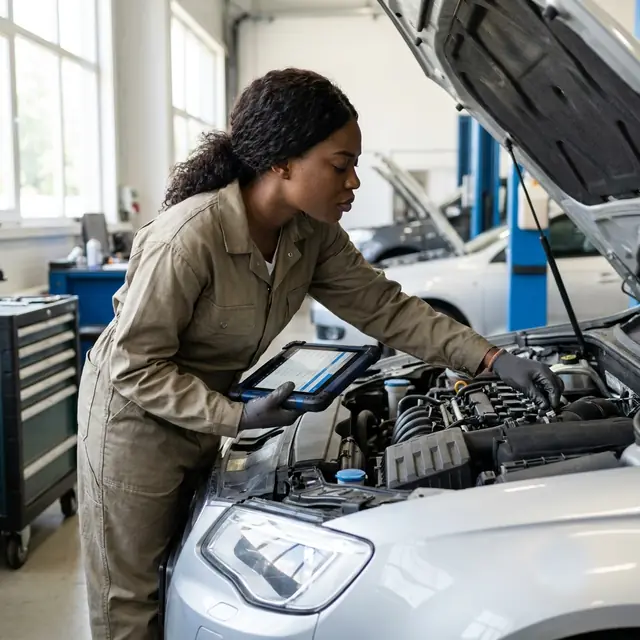
MORE OF THE PICTURE
Keep the problem together.
A conversation can hold the symptoms, photos, documents and contributions from the people working on the car.
1Bring the evidence
Ask in your own words. Add the symptoms, photos, codes or checks you already have.
2Compare possible causes
Use the evidence to work out which check could distinguish one explanation from another.
3Keep what you learn
Save the readings and open questions with the car so the next person can pick up where you left off.
From the Workshop Library
Same warning. A different cause.
A workshop investigating an Airmatic warning found a loose relay socket. The record shows how the checks narrowed the problem before anyone settled on a cause.
Read the workshop case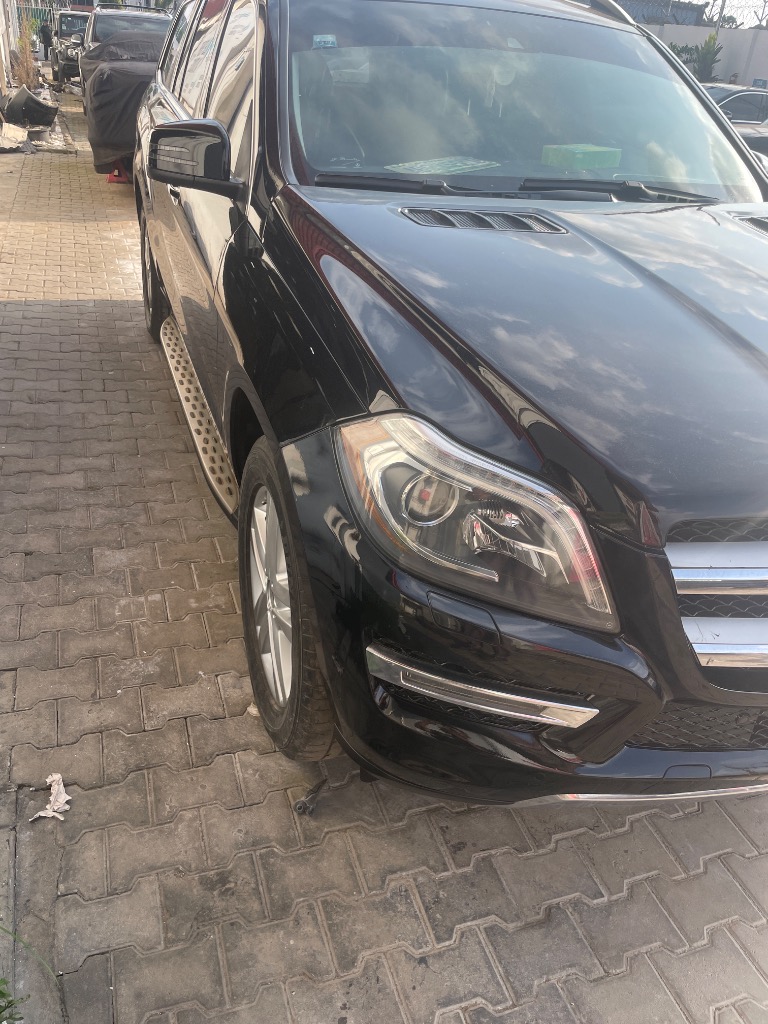
What changes in practice
| The situation | What you can do |
|---|---|
| An unfamiliar noise | Record when it happens and what you have already checked. |
| Several possible causes | Compare explanations and choose a check that could distinguish them. |
| A job to hand over | Keep the readings, observations and open questions together. |
Common questions
Do I need a scan tool to start?
No. Start with what you hear, see or feel. A scan report or measurement can add context when you have one.
Does OYENA confirm the cause?
It helps you work through possibilities. Use checks on the vehicle to confirm a cause before replacing parts.
How do I get access?
Open OYENA, sign in and request access. Approval is required for answers.